 resumeglobal
AI Resume Builder (Free)
Turn average resume content into recruiter-ready writing. Use our AI resume builder free workflow to improve bullet points, refine your summary, and download a clean resume template.
Who this AI resume builder is for
If you know what you’ve done but struggle to write it in a strong “resume style”, AI can help. ResumeGlobal improves clarity and impact while keeping your resume structured and ATS-friendly.
It’s perfect for freshers, students, and busy professionals who want a faster way to rewrite bullets, tailor summaries for each role, and keep the formatting clean for recruiter screening.
How to use AI to improve your resume
Start with a template that stays ATS-friendly
Begin with a clean structure so the resume is easy to parse and easy to read. Even with AI, formatting matters — use templates with clear headings, consistent spacing, and readable font sizes. This gives your AI-improved content a professional container.
Draft your real experience (projects/internships) first
Write your raw bullets in simple words: what you built, what tools you used, and what outcome you achieved. For freshers, projects and certifications can be as valuable as work experience. AI works best when your input has real details and context.
Use AI to refine bullets into achievements
Ask AI to convert responsibilities into achievements using action verbs, relevant tools, and metrics. Then edit the output: keep it truthful, remove fluff, and focus each bullet on one strong result. The goal is clarity + impact, not fancy wording.
Refine your summary to match the target role
Your summary should reflect the job you’re applying for. Include your domain (e.g., frontend, data, marketing), 3–5 relevant skills, and one proof point (project, internship, achievement). AI can help shorten long summaries and make them easy to scan.
Validate ATS score and download
Run an ATS check to catch missing keywords and improve alignment with the job description. Export as PDF for most applications and keep your layout consistent. Using an AI resume builder free workflow becomes powerful when you validate before you apply.
Templates to pair with our AI resume builder free
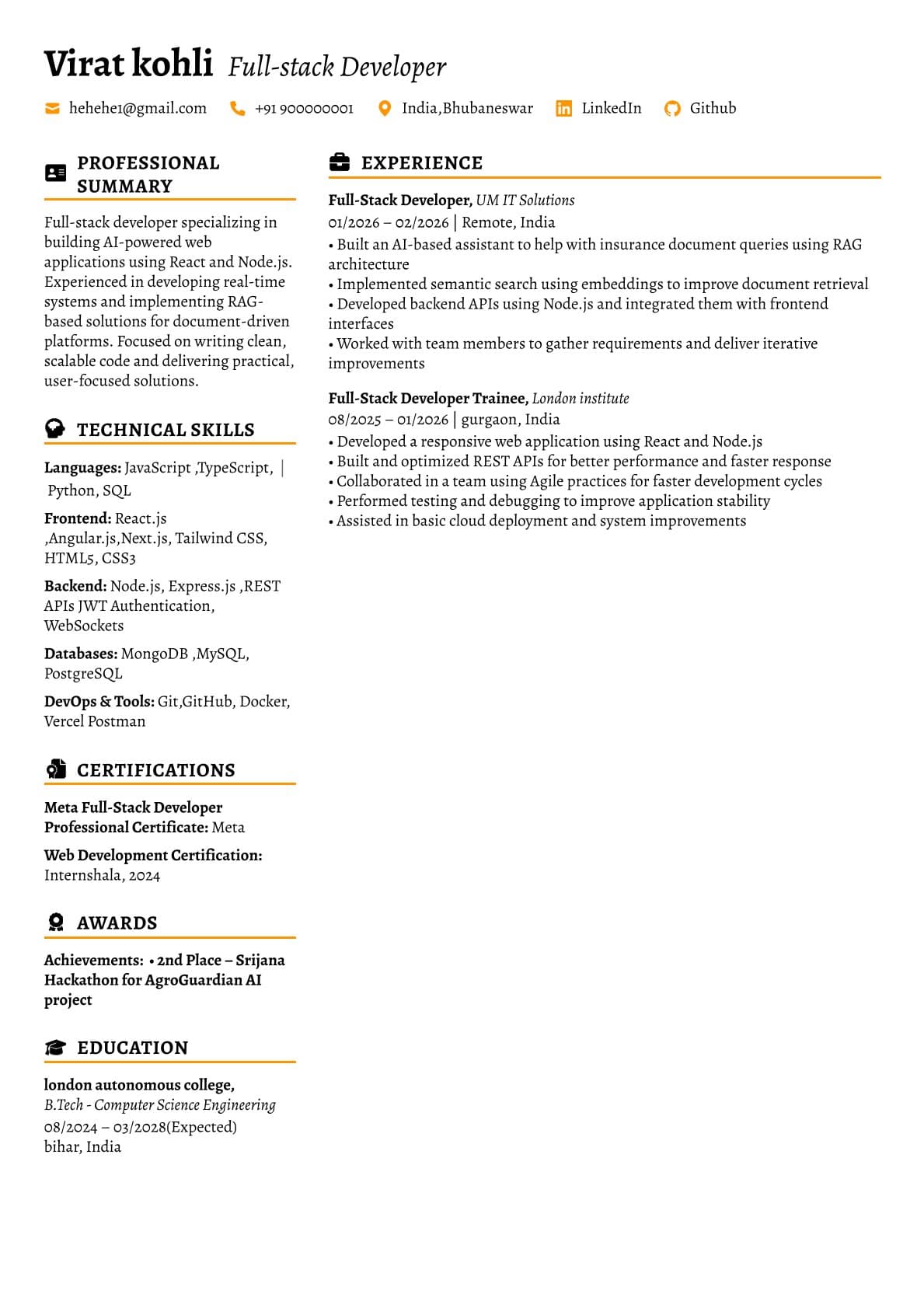
Minimalist Gray
Clean base template that pairs well with AI-refined bullets and summaries.
Use This Template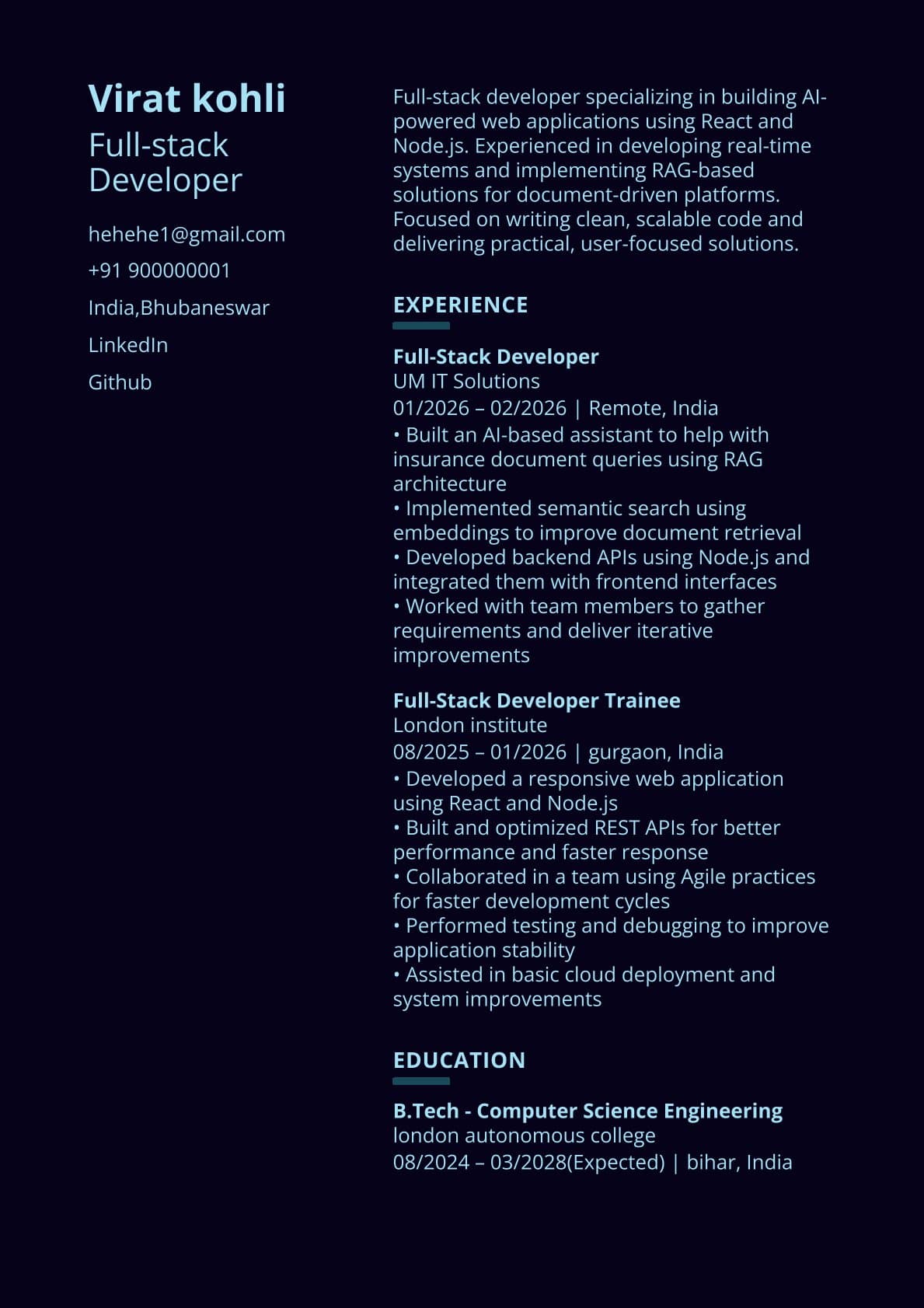
Teal Modern
Modern look while staying readable — good for internships and entry-level roles.
Use This Template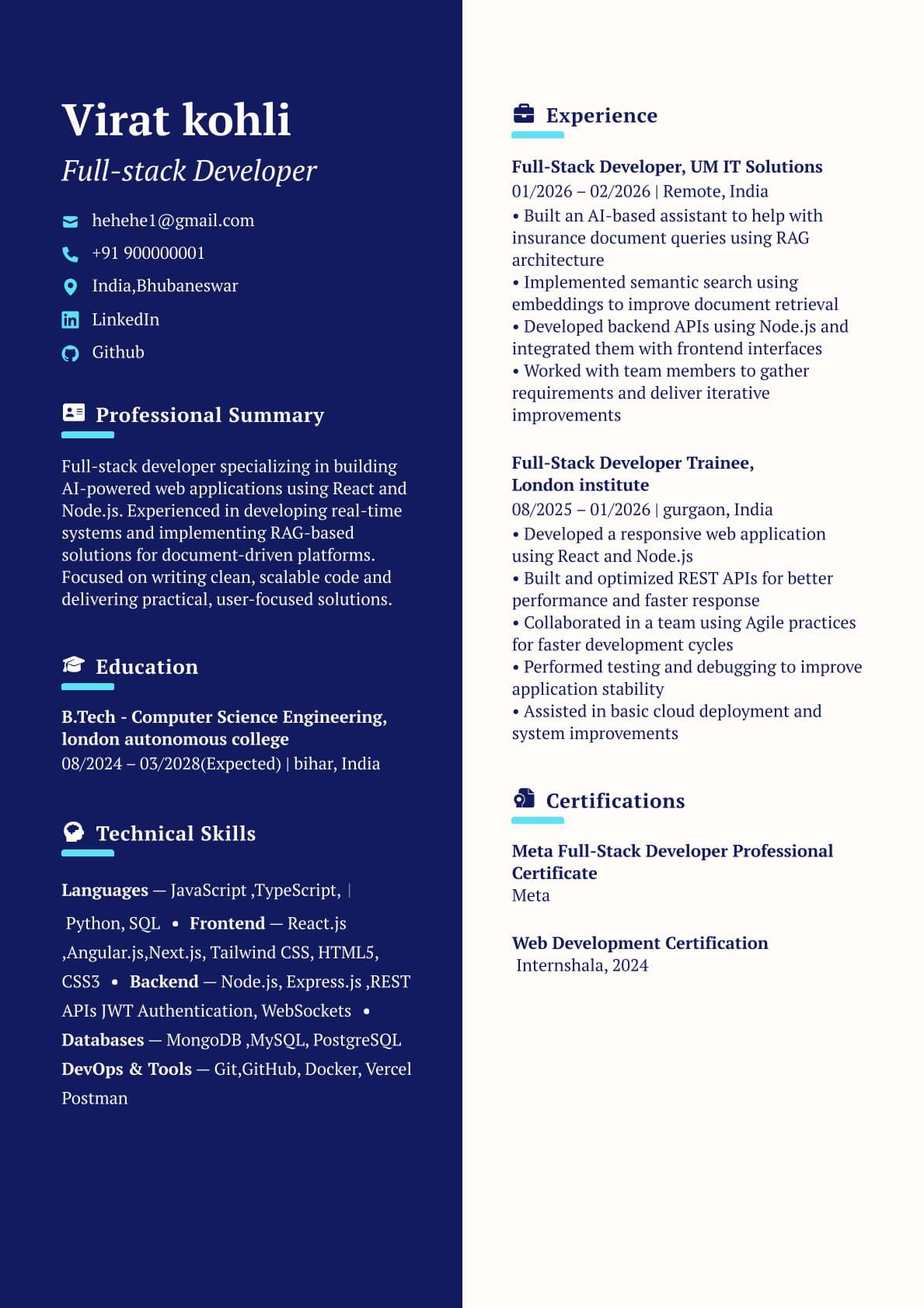
Creative Professional
Balanced design with strong hierarchy; helps recruiters scan key highlights.
Use This TemplateBenefits of AI-assisted resume writing
Better bullets in less time
Convert “worked on X” into achievement bullets with action + tools + outcome. Then edit for truth and brevity.
Role-aligned summaries
AI helps you write concise summaries that match the role keywords recruiters search for.
Cleaner, ATS-friendly structure
Strong writing is wasted if ATS can’t parse it. Templates keep layout readable and consistent.
Easy tailoring per job
Update top bullets and summary for each job description and re-check ATS score in minutes.
Why choose ResumeGlobal over other AI resume builders
| Feature | ResumeGlobal | Typical AI Tool |
|---|---|---|
| AI writing focus | Bullets + summary improvements | Generic rewrites |
| ATS validation | ATS checker built in | Often missing |
| Templates | Modern, readable templates | Text-only outputs |
| Workflow | Write → Improve with AI → Check → Download | Write → Export (no validation) |
FAQs
What does the AI help with?
It refines your professional summary and improves bullet points to be clearer, more impact-driven, and role-aligned.
Can AI write my entire resume?
AI works best as an editor, not a storyteller. Use it to improve structure and wording, but keep facts accurate and tailored to the job description.
Will AI-made resumes pass ATS?
Yes — if you keep formatting clean and include relevant keywords naturally. Use the ATS Checker to validate before applying.
How do I make AI bullets sound human?
Add specifics: tools used, what you built, and measurable outcomes. Then shorten long sentences and keep each bullet focused on one result.
Do I need an account?
You can explore and build quickly. Some features may require login depending on your plan and usage.
Is it okay to use AI for fresher resumes?
Yes. It’s especially helpful to turn project descriptions into strong bullets and a concise summary.
How do I tailor my resume for each role with AI?
Paste the job description keywords into your notes, then edit your summary and top bullets to reflect the most relevant skills and outcomes.
What should I avoid when using AI on resumes?
Avoid fake metrics, exaggerated claims, keyword stuffing, and overly formal phrases. Recruiters prefer clear, direct language.
Build a resume faster with AI
Start with a clean template, improve bullets and summaries with AI, validate ATS score, and download.